Start with the space you actually have
Screen sizes are quoted as the diagonal of the display, and the housing around it is always bigger. A unit listed at 9 inches needs a footprint larger than 9 inches, plus room behind it for the cables and the bracket or flush-mount cutout. Measure the flat area you intend to use — the top of the console, the dash panel, the space beside the compass — and leave clearance at the bottom edge so the bracket can tilt.
On a center console the console top is usually the limit. On a bass boat the bow graph sits on a recessed deck plate with a fixed footprint. On a kayak or a jon boat, the rail or the hatch lid decides it, and weight matters as much as width. Measure before you fall in love with a screen.
Then consider viewing distance
The further you stand from the screen, the larger it needs to be to read the same detail. At the helm of a small boat you are typically two to three feet away, and a 5- to 7-inch screen is comfortably readable. On a center console where you stand at the wheel and glance at a display mounted forward on the console or on a T-top, you may be four to six feet away, and 9 to 12 inches reads far better in chop. On a sportfisher where the mate reads the screen from a few feet back while trolling, 12 to 16 inches saves squinting.
A working rule many anglers use: rough the diagonal at about an inch per foot of viewing distance, then round up if you plan to split the screen or fish in bright sun. Glare and polarized sunglasses both cost you contrast, and older eyes need more screen than the arithmetic suggests.
Split screens decide the real size
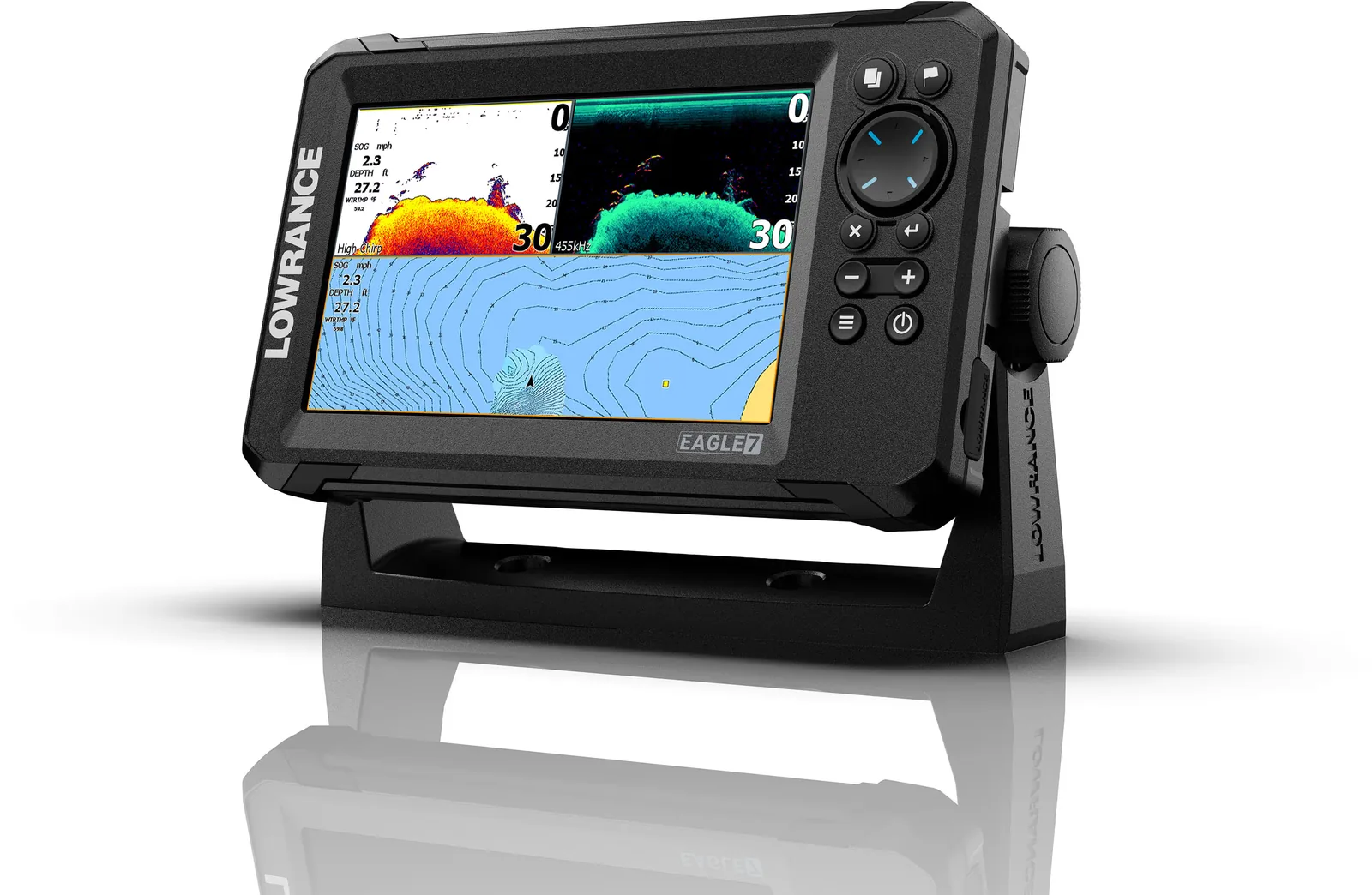
This is where most buyers get caught. A screen is not one picture — it is however many panes you run at once, and each pane gets the full screen divided. Running 2D sonar and DownScan side by side on a 4-inch screen leaves each view about 2 inches wide, which is not enough to read a fish arch. The same split on a 9-inch screen is workable; on a 12-inch it is comfortable.
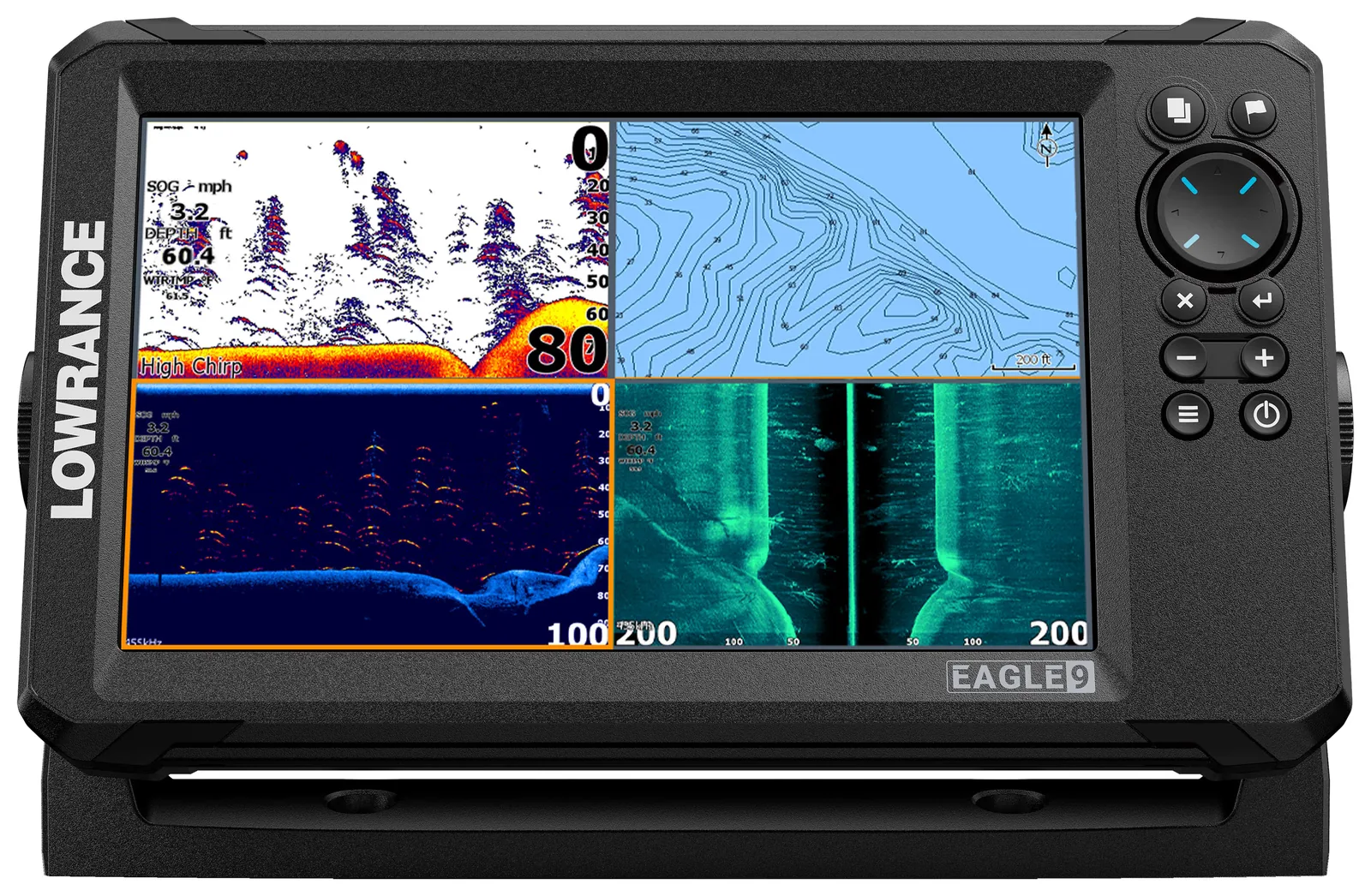
Count the views you run on a normal trip. If you run chart plus sonar, that is two panes. Add side imaging or a live sonar box and you are at three or four. Two panes want 7 inches or more. Three or four panes want 9 to 12 inches. Anyone running live sonar alongside chart and 2D is looking at 12 to 16 inches, because live sonar is a wide image that loses its point when squeezed.
Where the Lowrance range lands
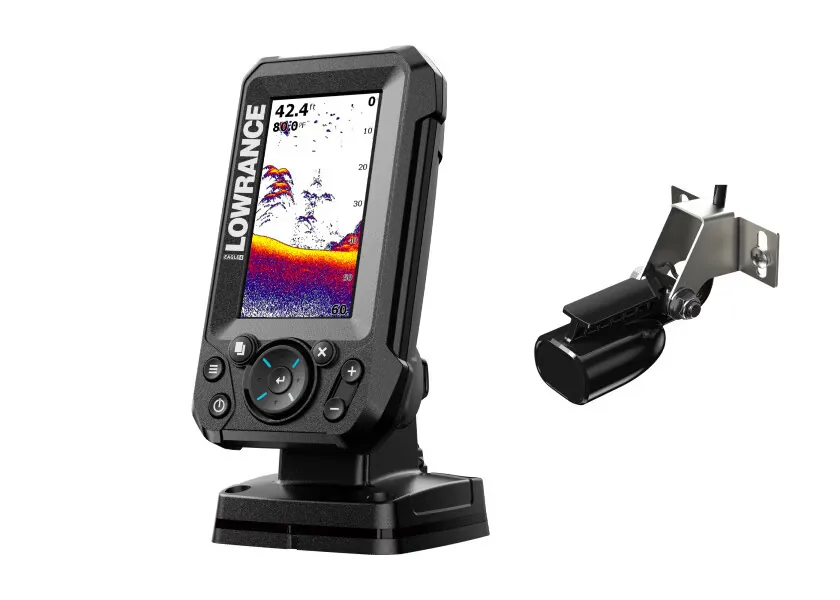
- Eagle 4x — a 4-inch screen, 2D sonar only, no GPS. It is a depth sounder: a number, a bottom trace and arches. Fine for a tiller boat, a dinghy or a second station where you want depth and nothing else.
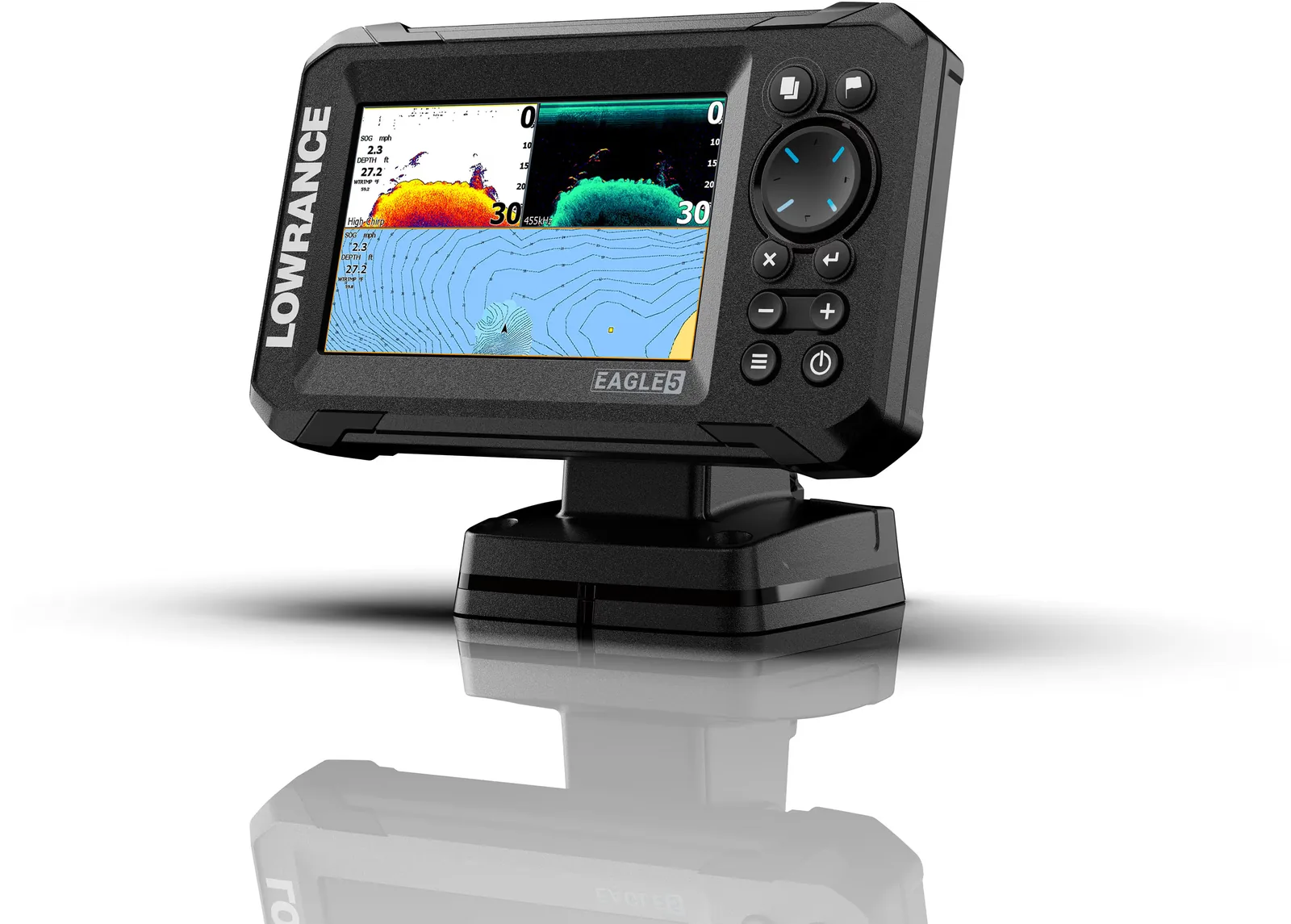
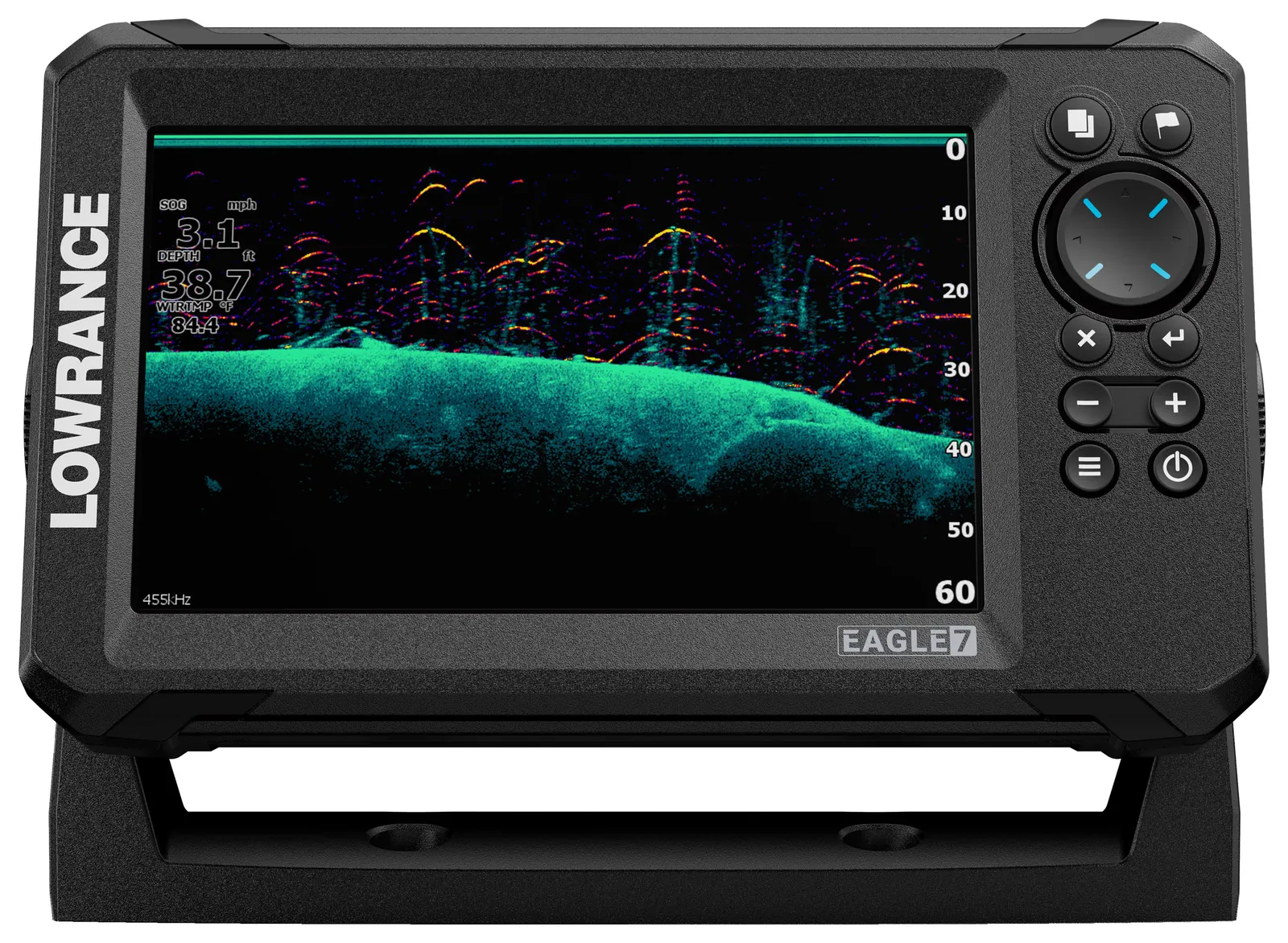
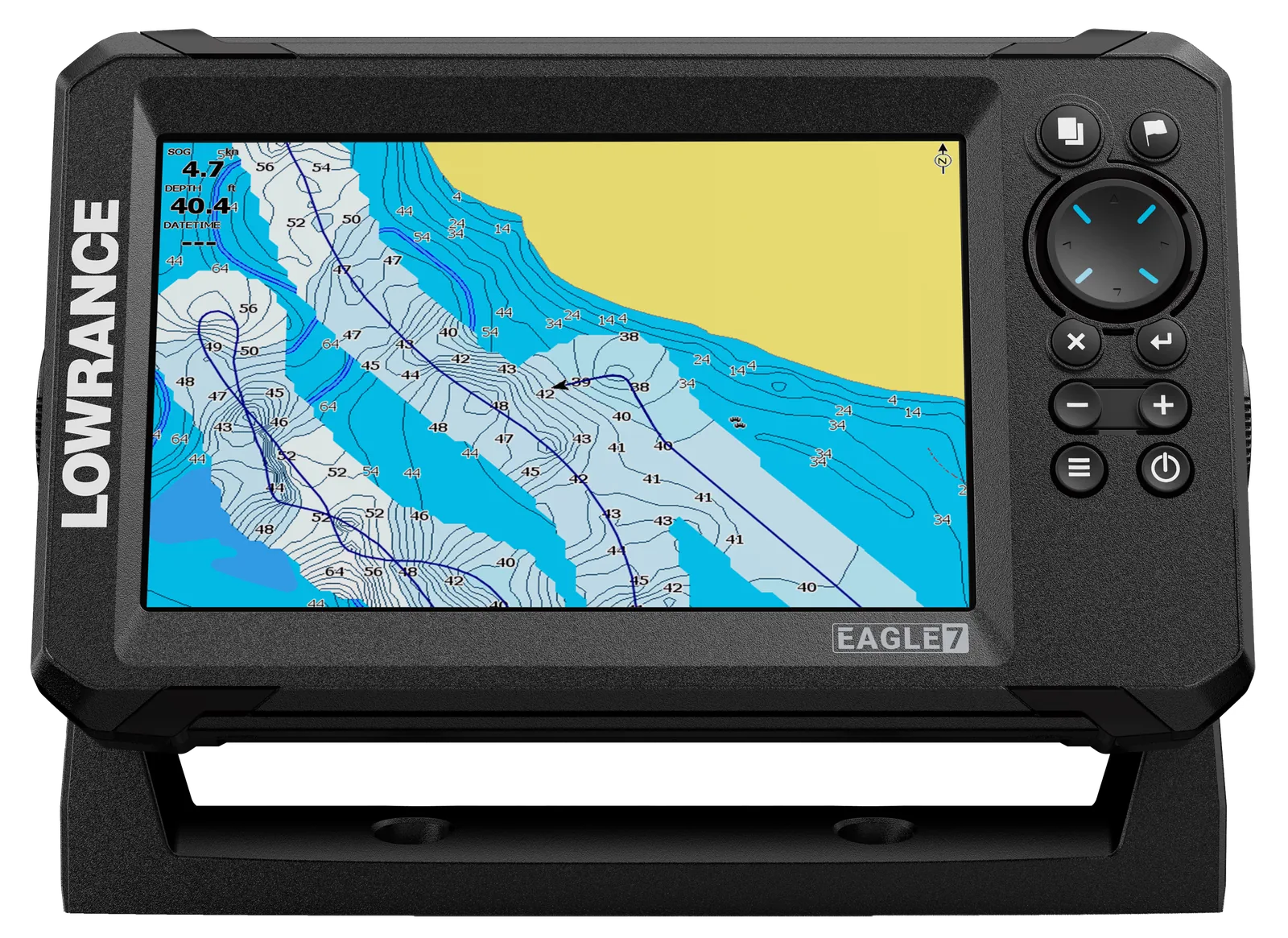
- Eagle 5 and Eagle 7 — 5- and 7-inch screens with GPS and DownScan, the 7-inch also available with TripleShot for side scanning. The 7 is the sensible entry point if you want chart and sonar on screen together.
- Eagle 9 and Eagle Eye 9 — 9-inch screens. The Eagle Eye 9 adds live sonar, and at 9 inches you can keep a chart up beside the live view.
- Elite FS 7, 9, 10 and 12 — 7 to 12 inches, 2D, DownScan and SideScan, and compatible with ActiveTarget and Ghost 360 live sonar. The FS 9 and FS 10 are the sweet spot for a bass boat running three panes.
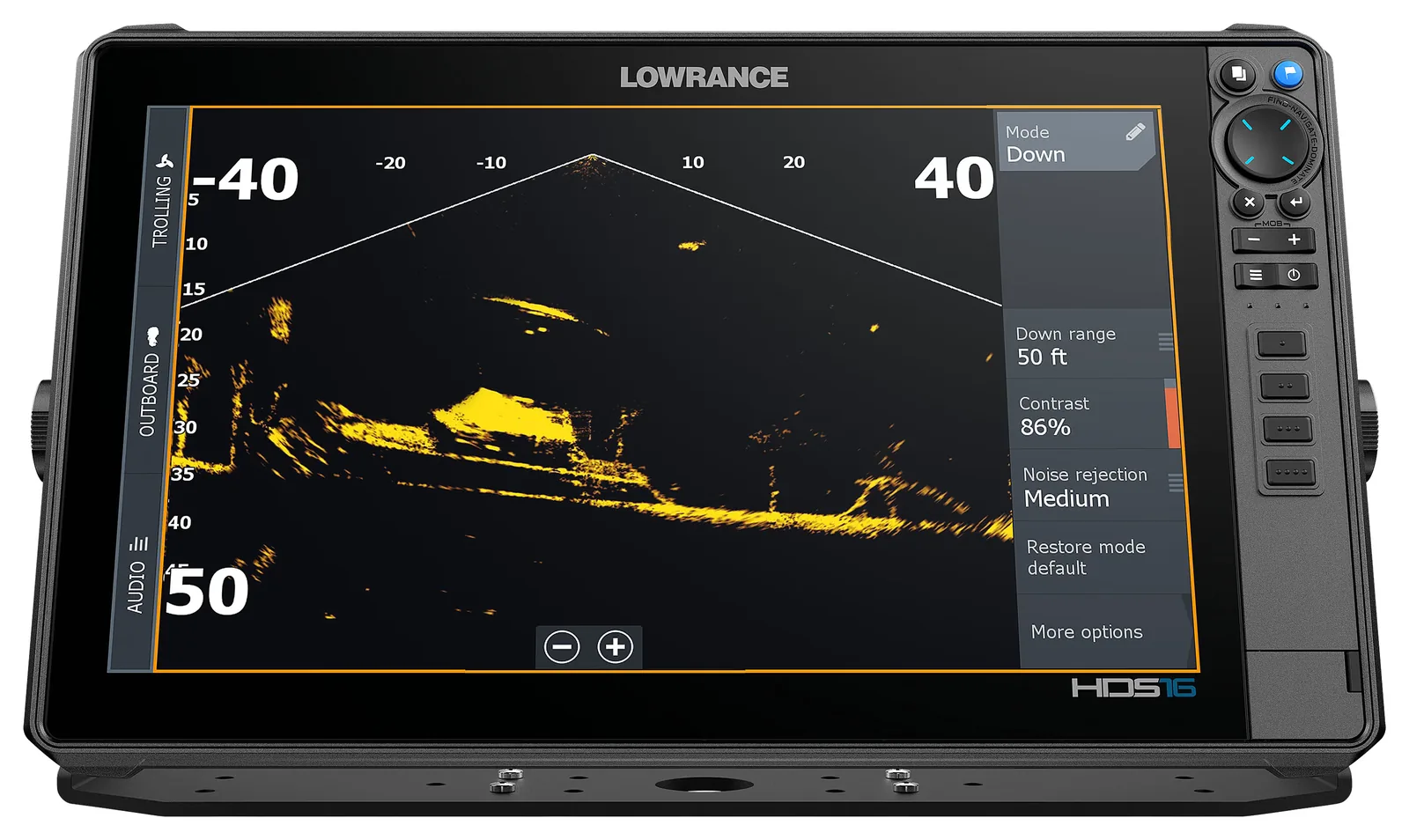
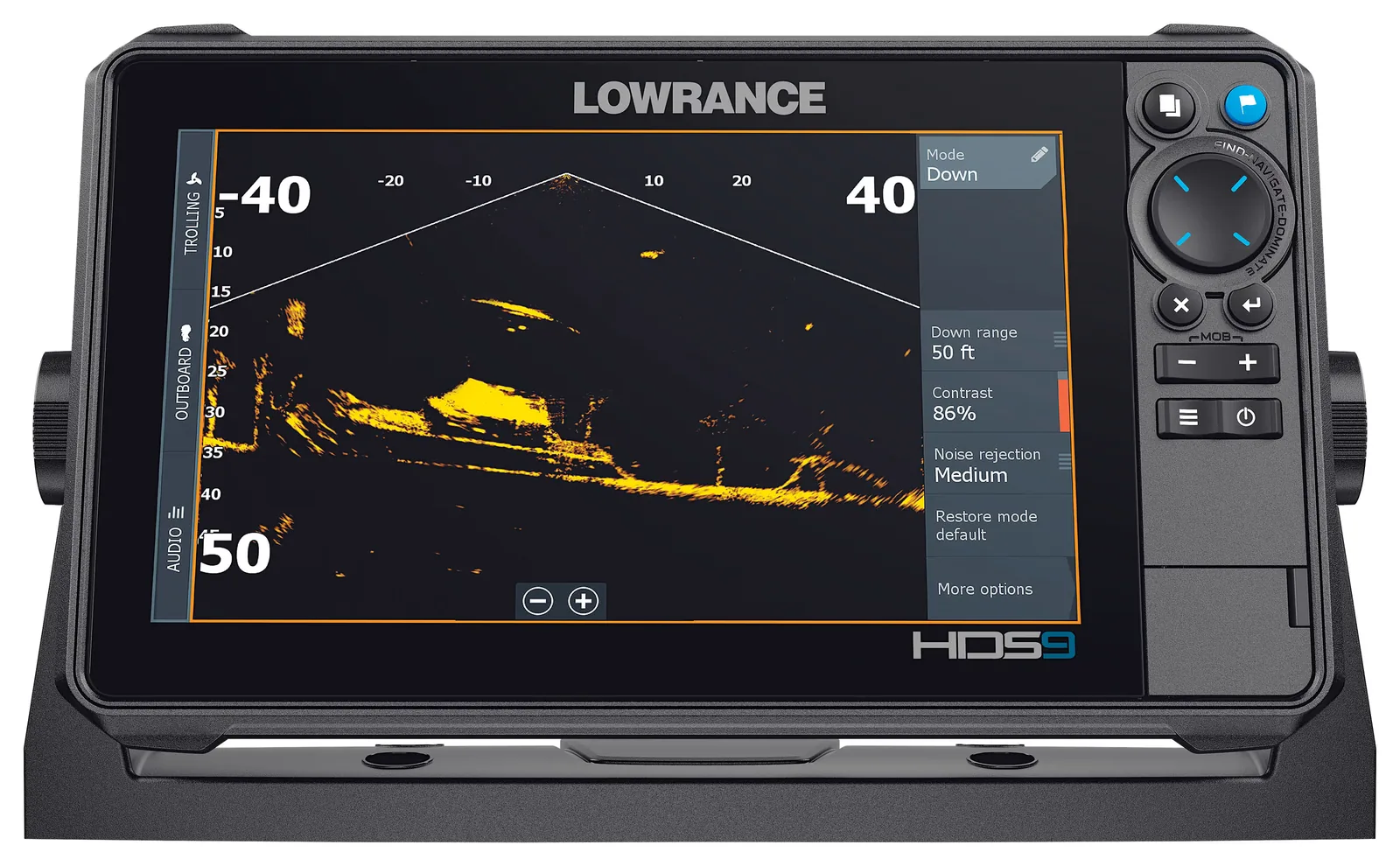
- HDS PRO 9, 10, 12 and 16 — 9 to 16 inches with the same sonar set and live sonar compatibility. The 12 and 16 are for center consoles and sportfishers where the screen is read from a distance and carries chart, radar and sonar at once.
Each listing carries its part number and full specs, including screen size, so you can check the exact model before you commit.
What size is too big
Too big is a real problem, not a humblebrag. A 16-inch unit on a 17-foot skiff blocks the view forward, catches spray and needs a mounting structure solid enough not to flex in a chop. Large screens also draw more current, which matters on a boat with a single battery and no charging while you drift.
Too small is the more common mistake, and it is the one you cannot fix later. If you are between two sizes and the space allows, take the larger one — you will not regret the extra pane, and resale on a bigger unit is easier.
Fit is checked before you pay
Screen size is only half the decision. The bracket or flush-mount cutout has to fit your dash, and the unit has to be powered and, where it matters, networked correctly. Deepline Marine checks the bracket and power fit against your boat and display before an invoice is sent, so you are not guessing from a drawing. Send the model you are considering and a photo of the mounting area through the contact page.